
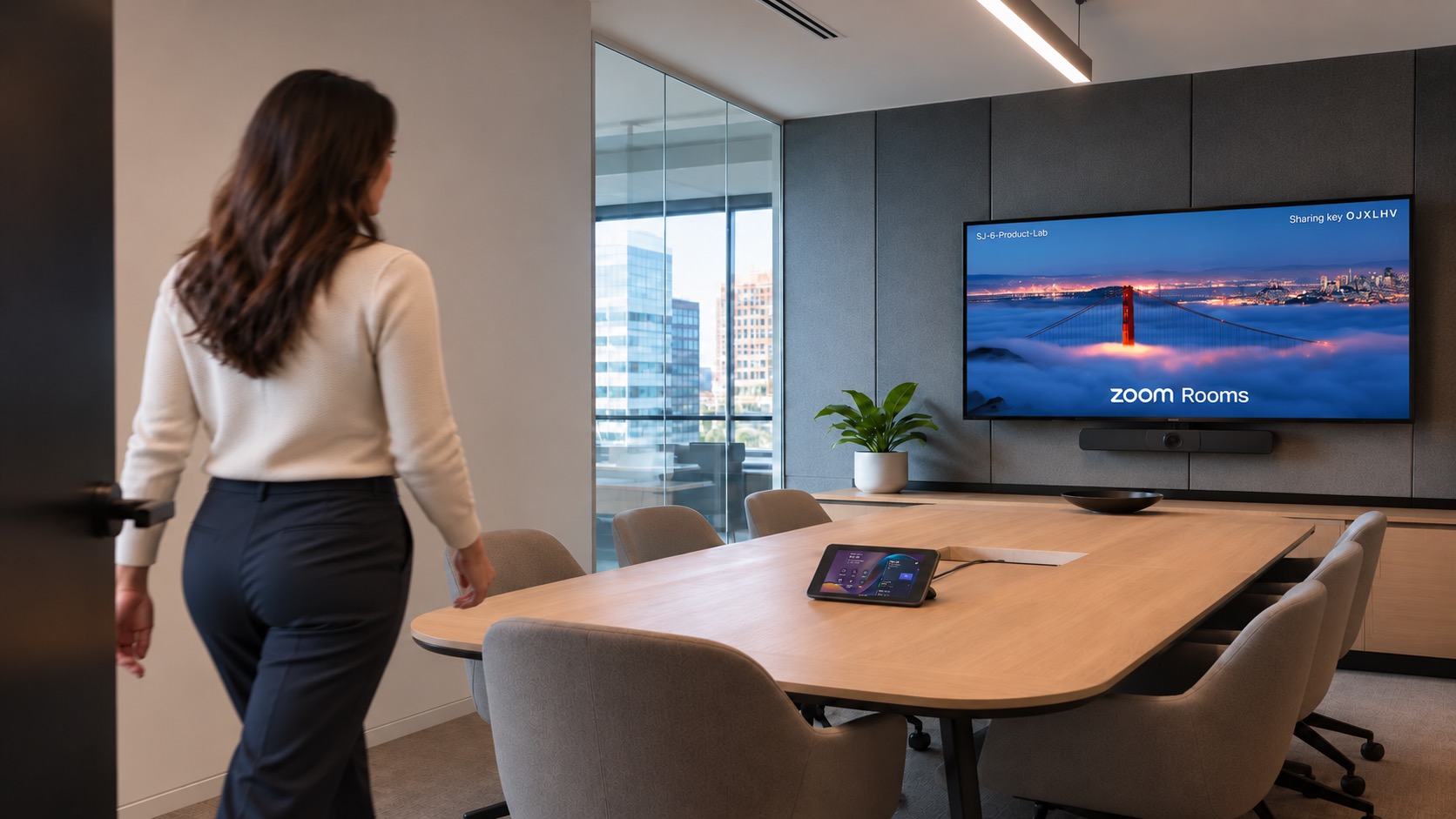
 ZOOM ROOMS
AV/UC INTEGRATORS · TRAIN YOUR CLIENTS
End-user training
platform for
Help your clients confidently use their videoconferencing and all AV installations with room/system-specific videos, interactive simulation and ongoing learning.
THE ORBIT · YOUR LEARNING SPACE
Welcome back.
Your room learningPick up where you left off.
1 of 3 topics completeYour room topics
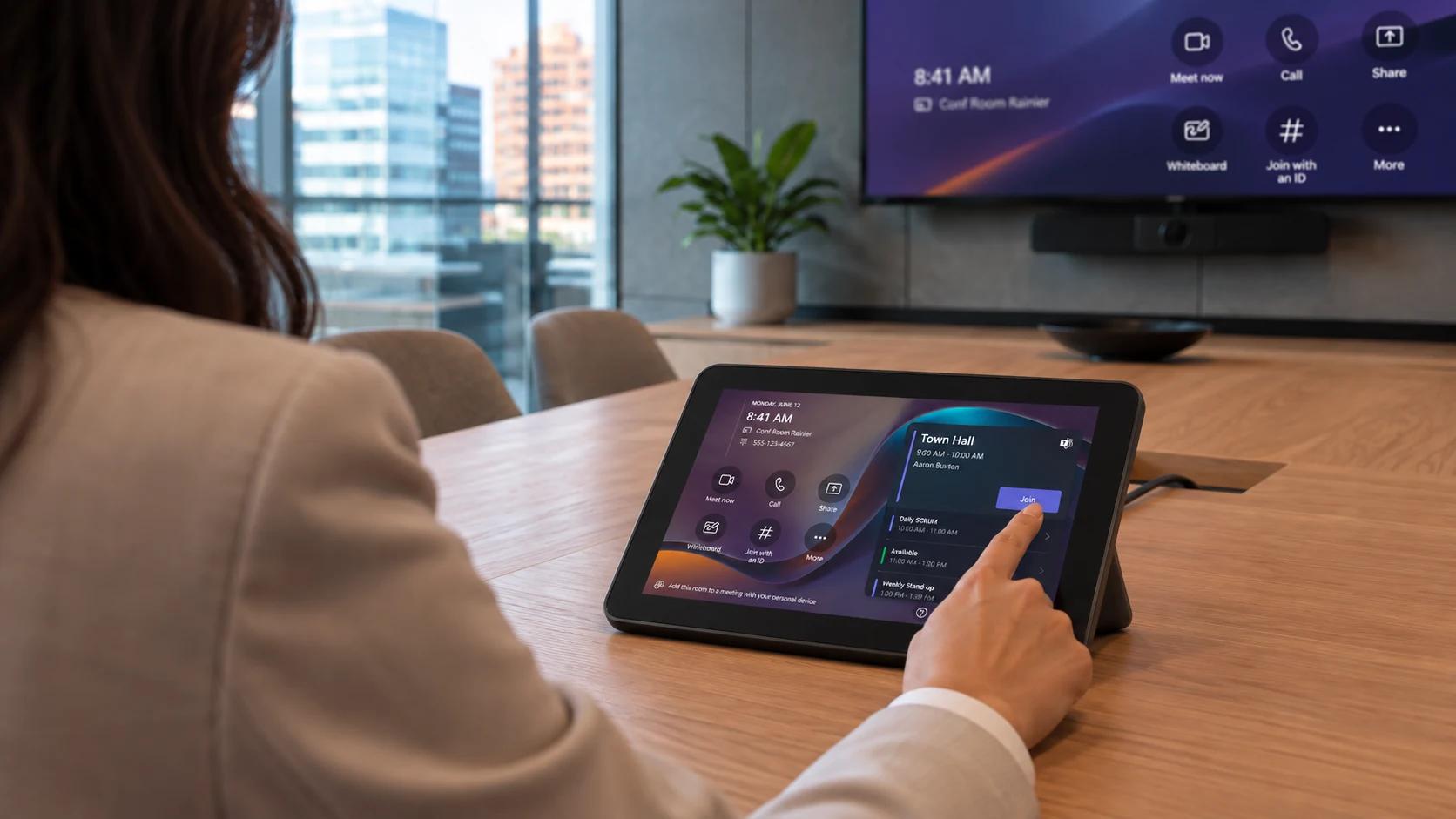 TEAMS ROOMS
Join a scheduled meeting
Continue learning ↗ZOOM ROOMS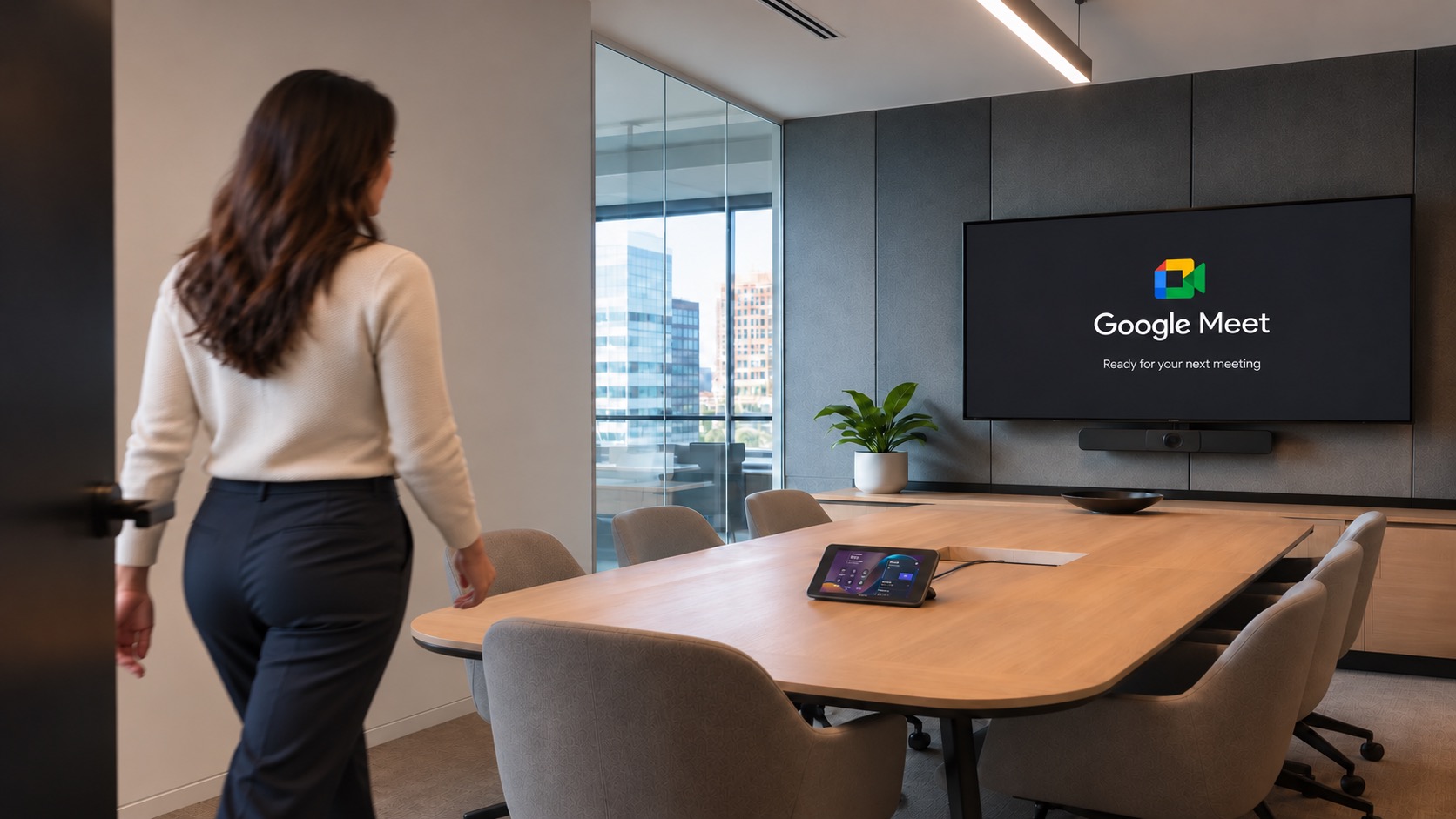 GOOGLE MEET
Share content in a meeting
Completed ✓VIDEO WALKTHROUGHSINTERACTIVE PRACTICEONGOING ORBIT ACCESS
What is
Avid Nova?
Avid Nova combines learning design and an online platform to help your clients get more from their videoconferencing systems and AV installations.
Videos, interactive simulations and guided training are tailored to each room or system, with ongoing access through The Orbit.
THE ORBIT
Introducing The Orbit.
The Orbit brings project handover and room learning together in one place, giving each team access to the information, training and guidance they need, from commissioning through everyday use.
THE LEARNER JOURNEY
A little guidance.
A lot more confidence.
Watch → Practice → Do → Keep learning
01
Watch
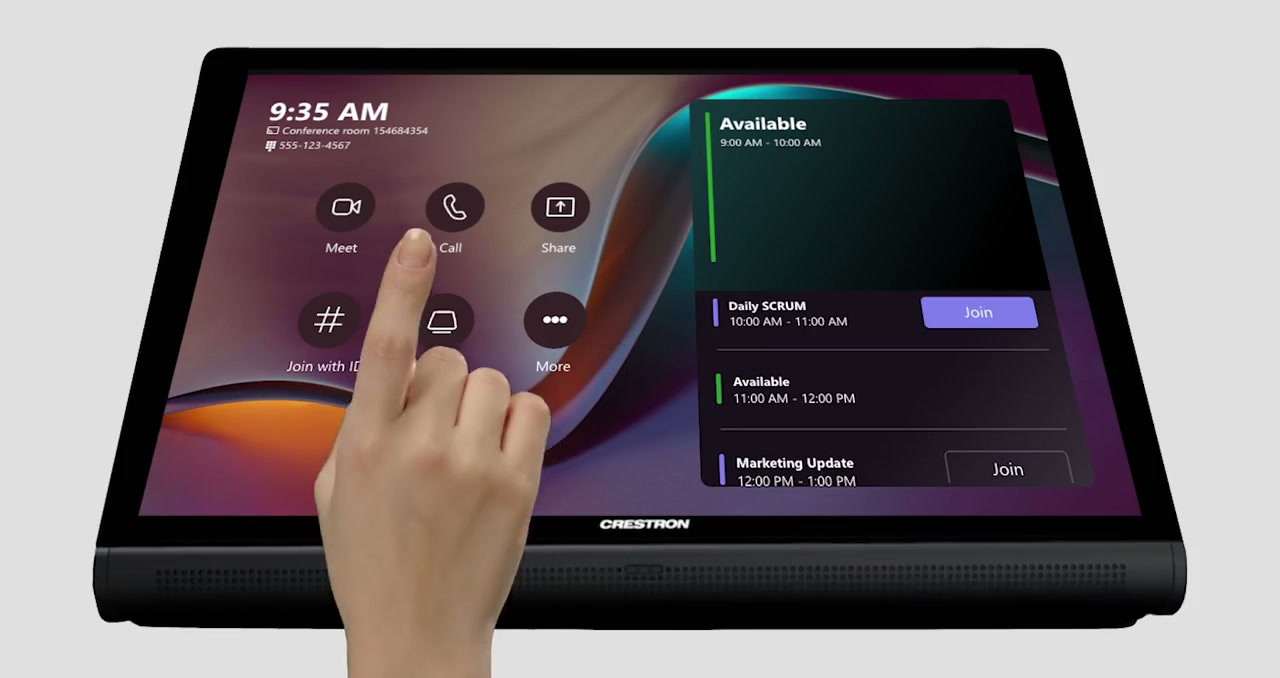
Watch how it works.
Short walkthroughs show the task, the controls and what happens next.
The task, made clear.02
Practice
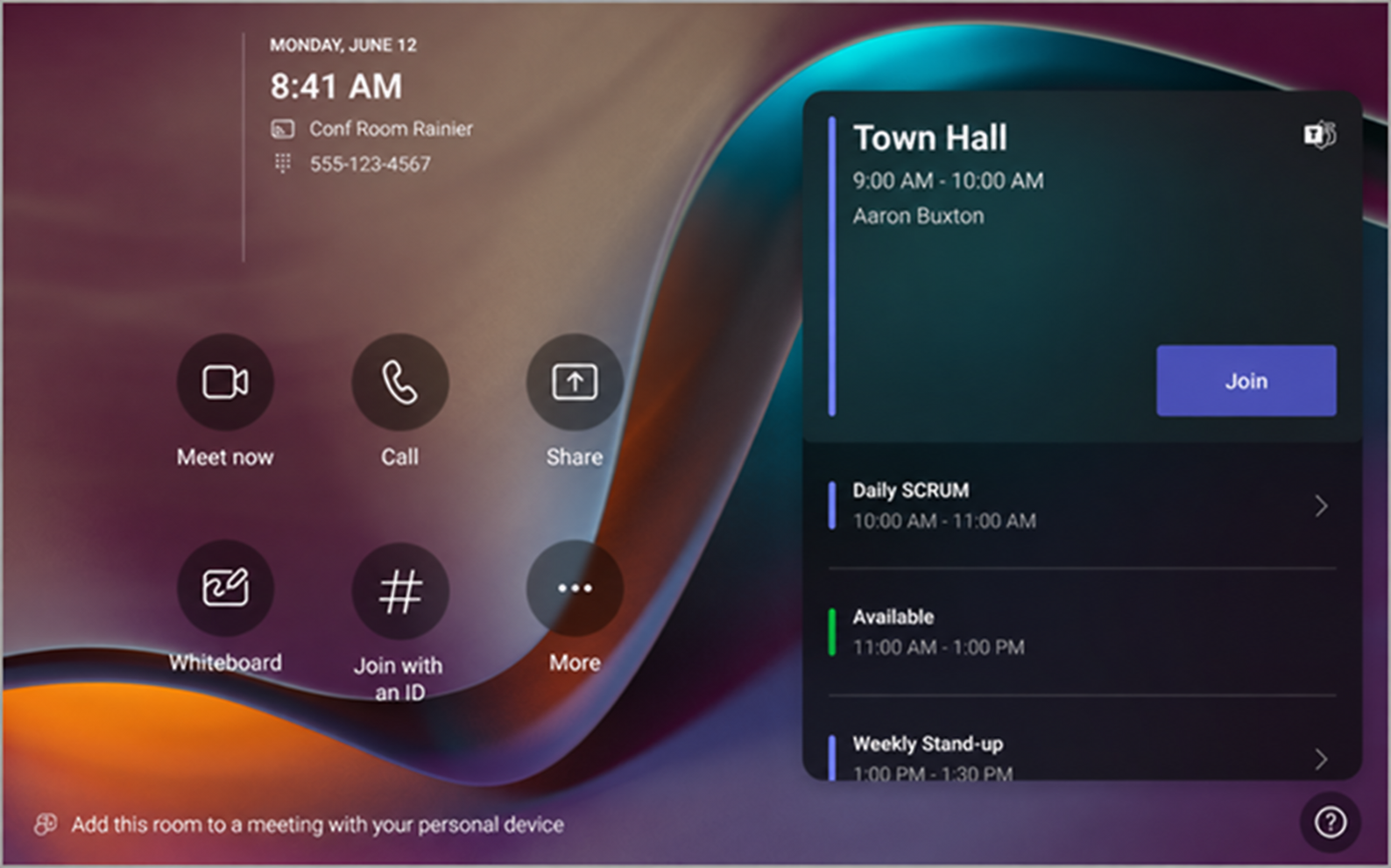
STEP 3 OF 5Find your meeting
and join
and join
To start your meeting, tap the Join button.
Try it for yourself.
Explore the controls step by step, before the next real meeting.
A safe place to try.03
Do
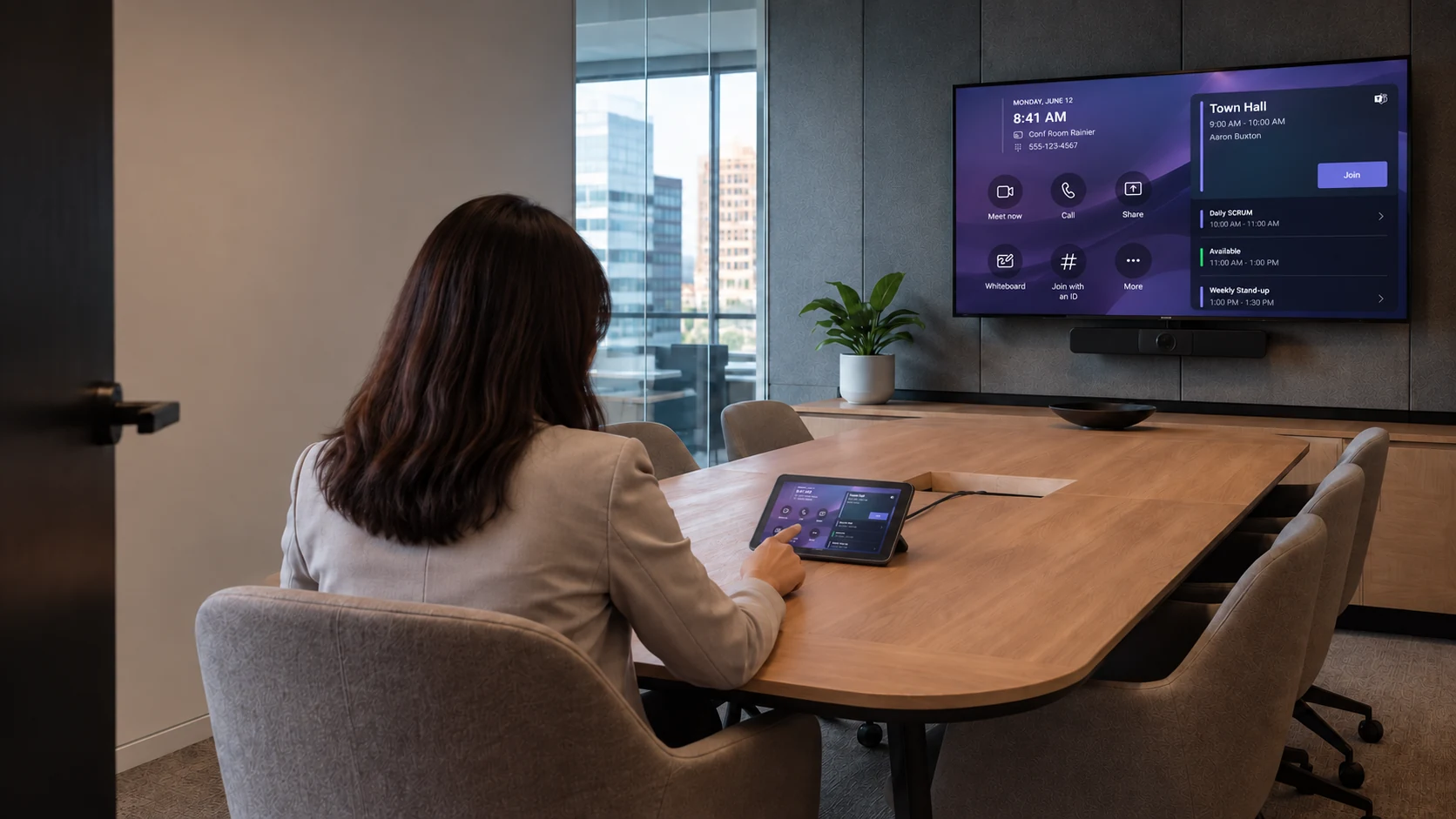
Now, use the room with confidence.
Join, share and collaborate using the system in front of you.
Ready for the everyday.04
Keep learning
The Orbit stays with you.
Return for new installations, product updates, room refreshes and new colleagues.
Always a place to return.From the first meeting to the next room refresh, The Orbit keeps guidance within reach.
A TRAINING PARTNER FOR YOUR TEAM
You build the room.
We design how people learn it.
Make it work.
Engineering. Integration. Programming. Commissioning.
Make it familiar.
Room-specific video, interactive practice and guided learning.
ROOM TO LEARNING
Give your clients
a place to practice.
Room-specific guidance helps them learn the controls before their next meeting.
Step into the interactive guide ↗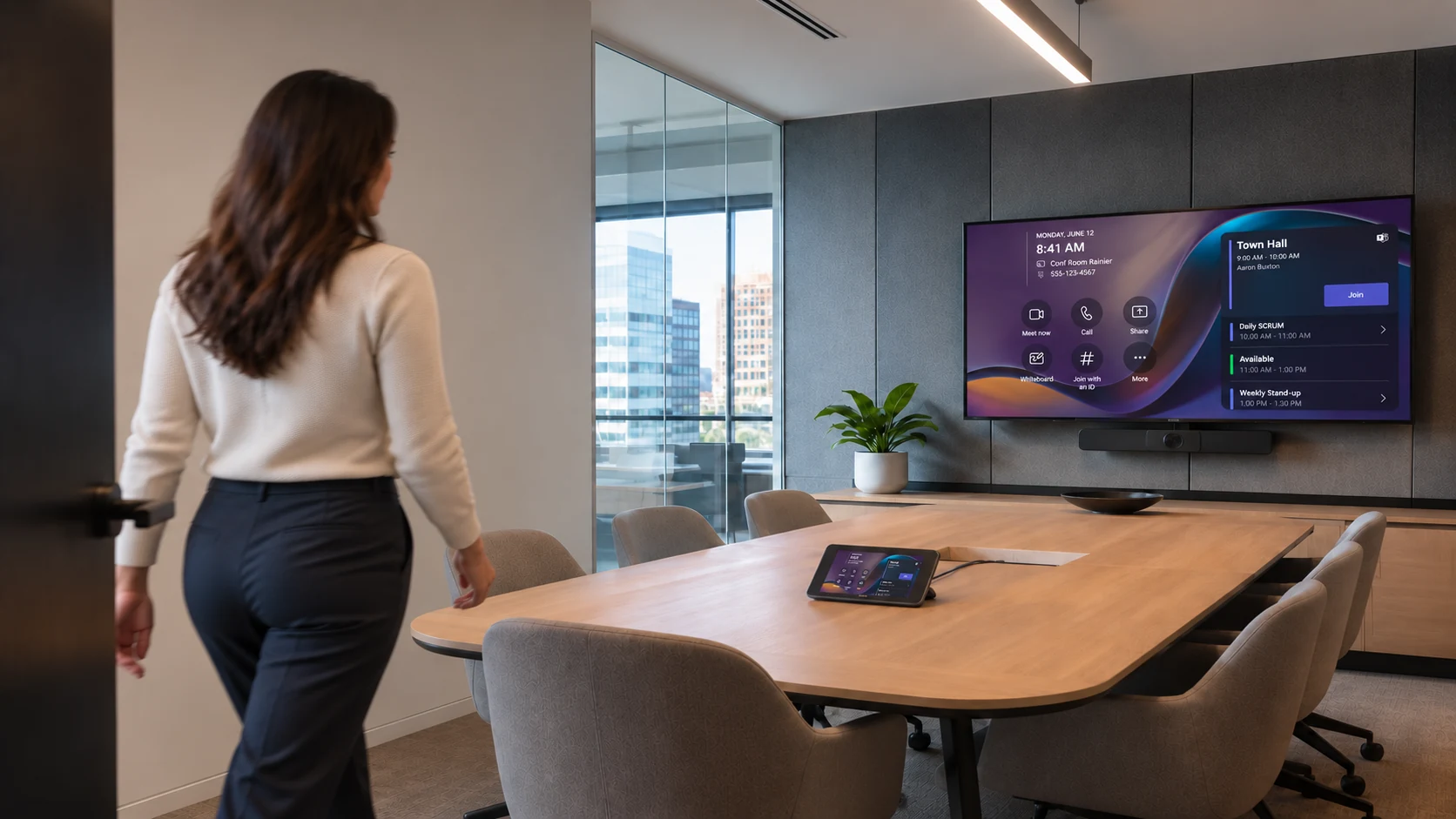
THEIR CONTROLS↗
STEP 3 OF 5Find your meeting
and join
and join
To start your meeting, tap the Join button.
WATCH. PRACTICE. USE THE ROOM.
Learn the steps. Then take the controls.
See how room-specific practice helps your clients get familiar with their controls.
Try the Microsoft Teams Rooms guide belowPRACTISE THE MOMENT
Take the controls.
Practice joining a Teams Rooms meeting.
THE ORBIT PLATFORM
Give your clients a home for learning beyond handover.
Keep your client’s room guides, practice and refreshers together. Give new colleagues a starting point and familiar users a place to return.
Bring your project into The Orbit ↗- 01
Find the right room.
Guidance shaped around the installed system.
- 02
Watch and practice.
Video, interactive guides and quick references.
- 03
Return when things change.
Refresh learning as rooms and people evolve.
THE ORBIT · YOUR LEARNING SPACE
Welcome back.
Your room learningPick up where you left off.
1 of 3 topics completeYour room topics
TEAMS ROOMSJoin a scheduled meeting
Continue learning ↗ZOOM ROOMSStart an instant meeting
Ready when you areGOOGLE MEETShare content in a meeting
Completed ✓Learning that stays useful.
New colleagues. Familiar rooms. Changing systems.
CUSTOM ROOM CONTROLS
Custom controls deserve
room-specific practice.
Explore a sample console with shared sources and multiple displays.
AVID NOVA / CUSTOM ROOM CONTROLS2 rooms · 4 displays · Shared sources
DIFFERENT SYSTEMS. THE SAME CONFIDENCE.
Built around
your installation.
Microsoft Teams Rooms
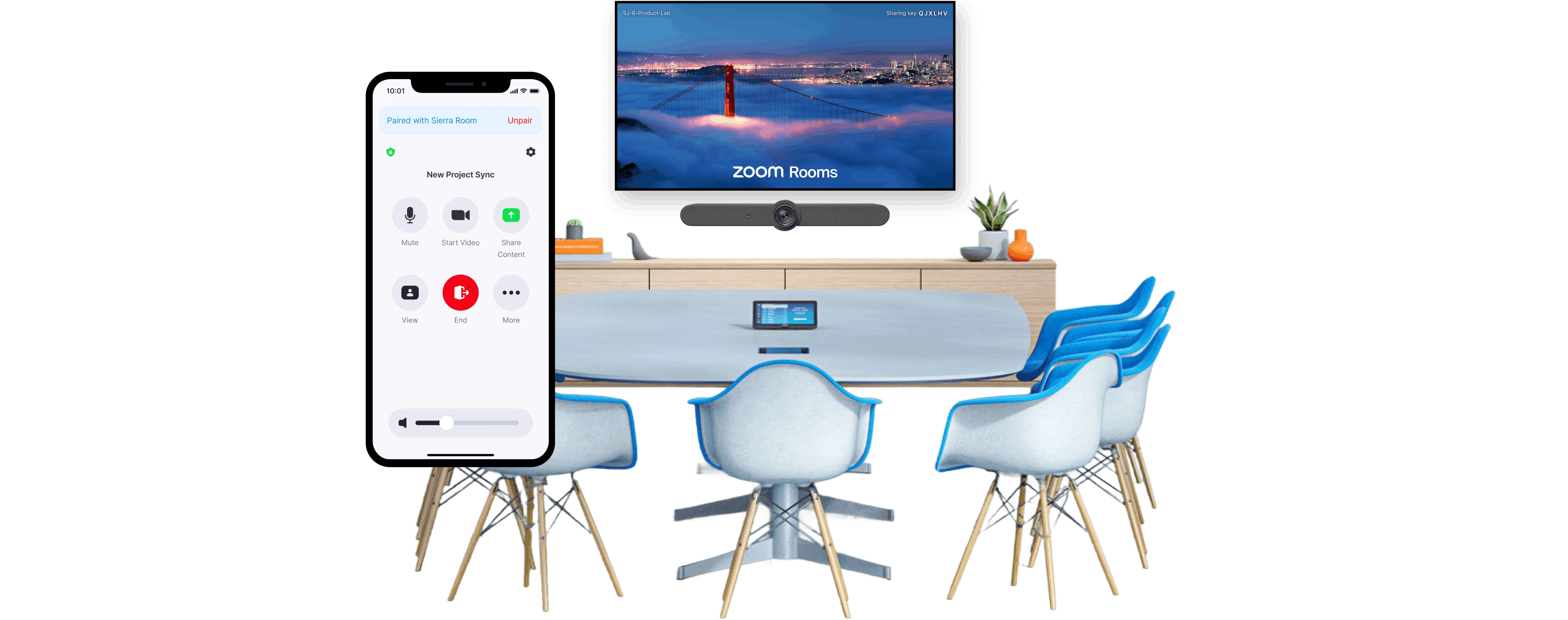
Zoom Rooms
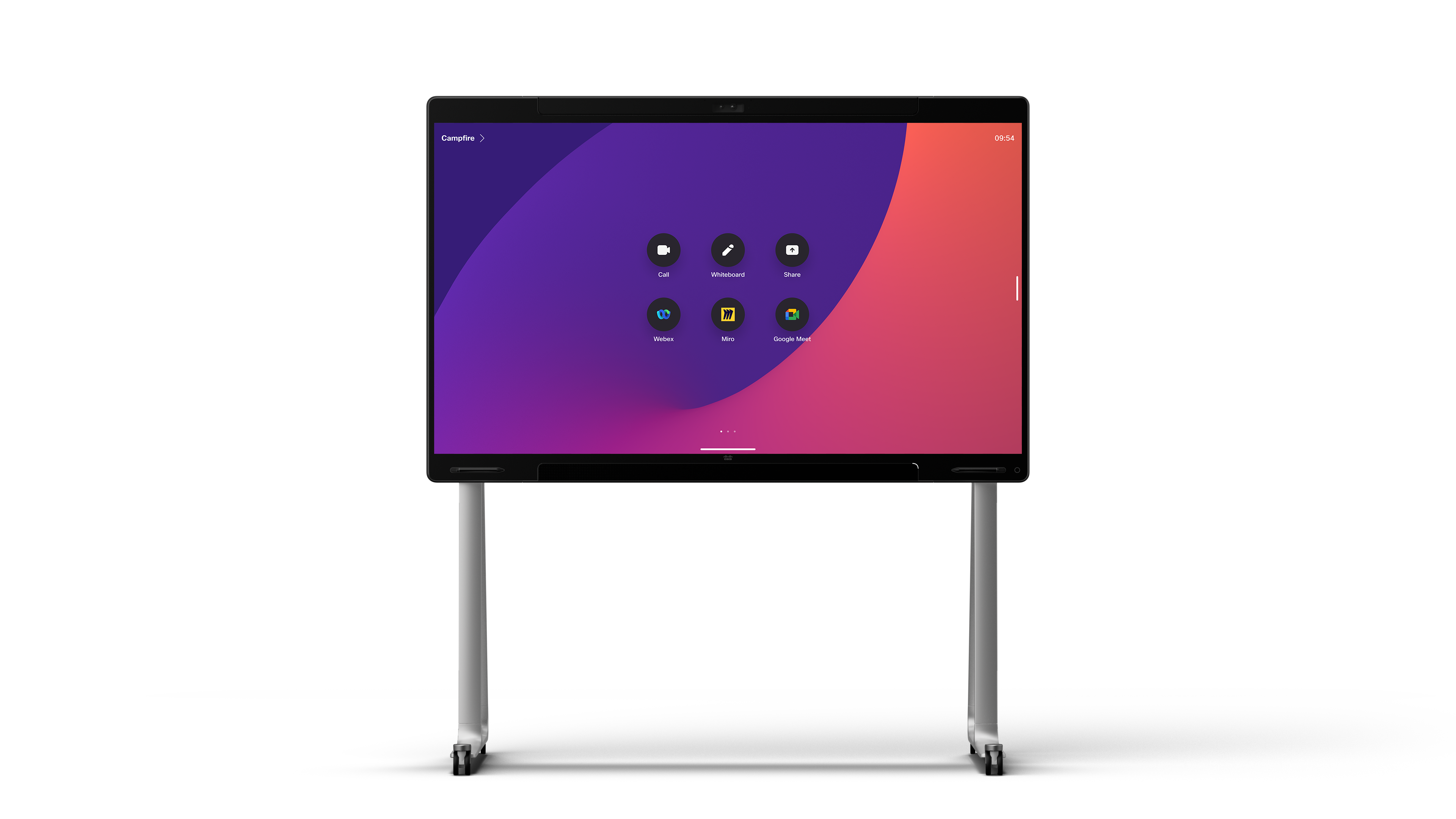
Cisco / Webex
Google Meet · Mixed systems · Crestron & custom controls
FROM ROOM TO LEARNING
A clear path
from the start.
- 01
We discover the room.
We align on the setup and everyday tasks.
- 02
We build the learning.
We create the videos and the interactive practice, and review together.
- 03
We support the handover.
We launch the training and keep learning accessible in The Orbit.
LET’S TALK ABOUT YOUR PROJECT
Scope a training package for your next deployment
New rollout or existing account? Tell us what you know. We’ll shape the training package from there.
First, a conversation.
We understand your client’s rooms, equipment, and scope.
Then, a clear proposal.
We agree on content, delivery, and ongoing access before production.
START A CONVERSATION↗
Review your enquiry.
Check your details below. Nothing has been sent yet.
Prefer email? [email protected]
A few things made clear
Can we add training to active rollouts or existing accounts?
Yes. Bring us in during design, before handover, or when an existing account needs refreshed guidance.
Does Avid Nova work directly with our client?
We agree that with you. We can support delivery behind the scenes or provide live onboarding alongside your team. Branding is agreed as part of the scope.
How can video and interactive practice help reduce support calls?
Video shows the task. Practice lets users try the controls and repeat everyday steps before they need them in a meeting.
What happens when room hardware or platforms change?
We can update the guides and interactive controls as the room evolves. Content updates and ongoing access are agreed within your package.
Which room systems can the training cover?
Teams Rooms, Zoom Rooms, Cisco/Webex, Google Meet and mixed environments. We confirm your systems and workflows during discovery, then agree the scope.
Can each room have its own guide?
Yes - including custom consoles, multiple displays and shared sources. Your team confirms the room’s intended behaviour before we build its guide.
What is different for End Users and Super Users?
End Users learn everyday room tasks. Super Users also learn approved first checks, recovery steps and when to escalate.
How is the training delivered?
Videos, interactive guides, cheat sheets and live sessions - remote, in-room or hybrid, within the agreed scope.
What stays available after live training?
Agreed resources stay in your client’s Orbit for refreshers and onboarding. Your service agreement defines access duration, content maintenance and support.